Niagara Pro is our premium in-app upgrade that unlocks all of Niagara Launcher’s features. Here’s what you’ll get when you upgrade.
Community Themes
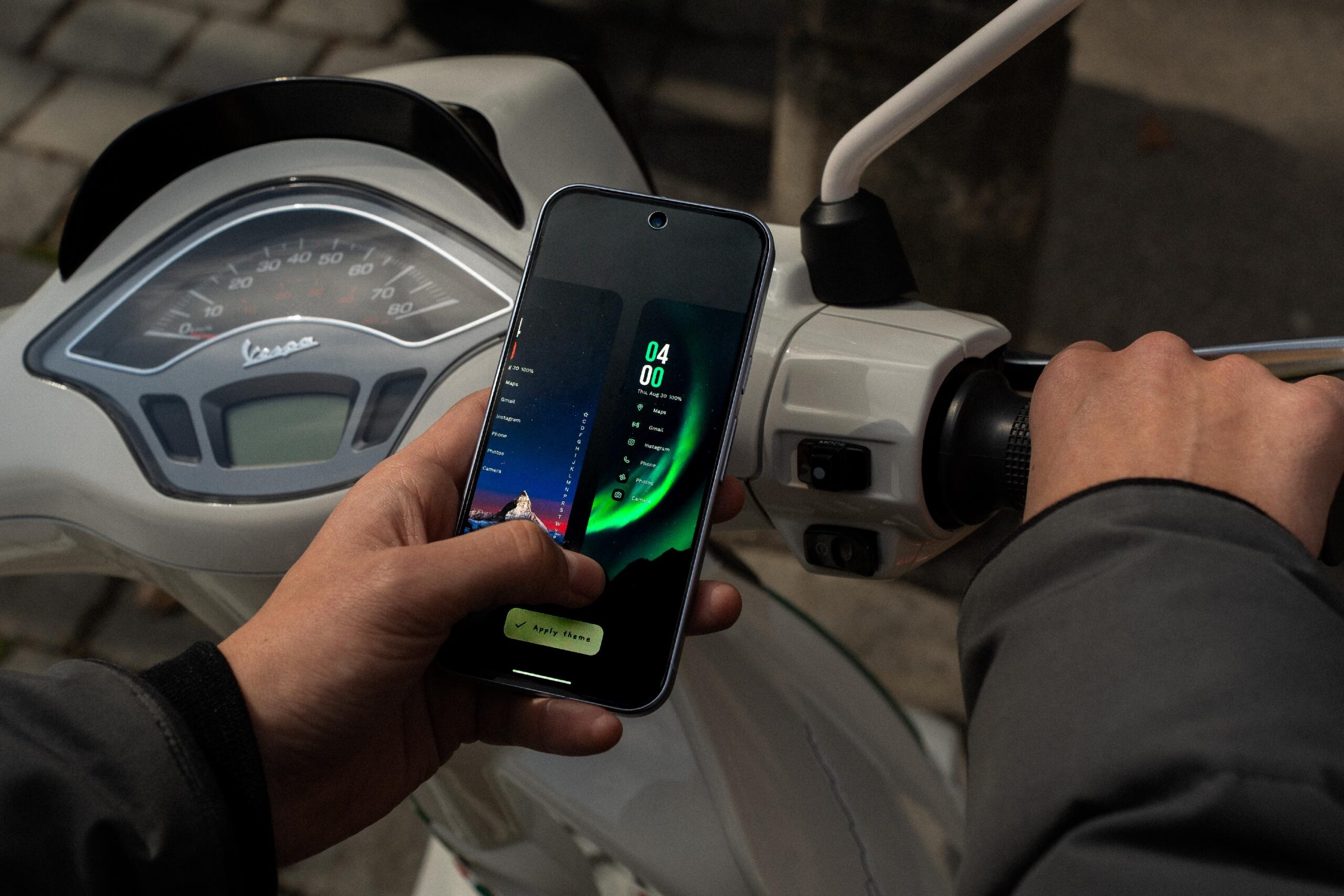
Browse through hundreds of themes shared by the community and apply any of them with a single tap. Learn More
Themes
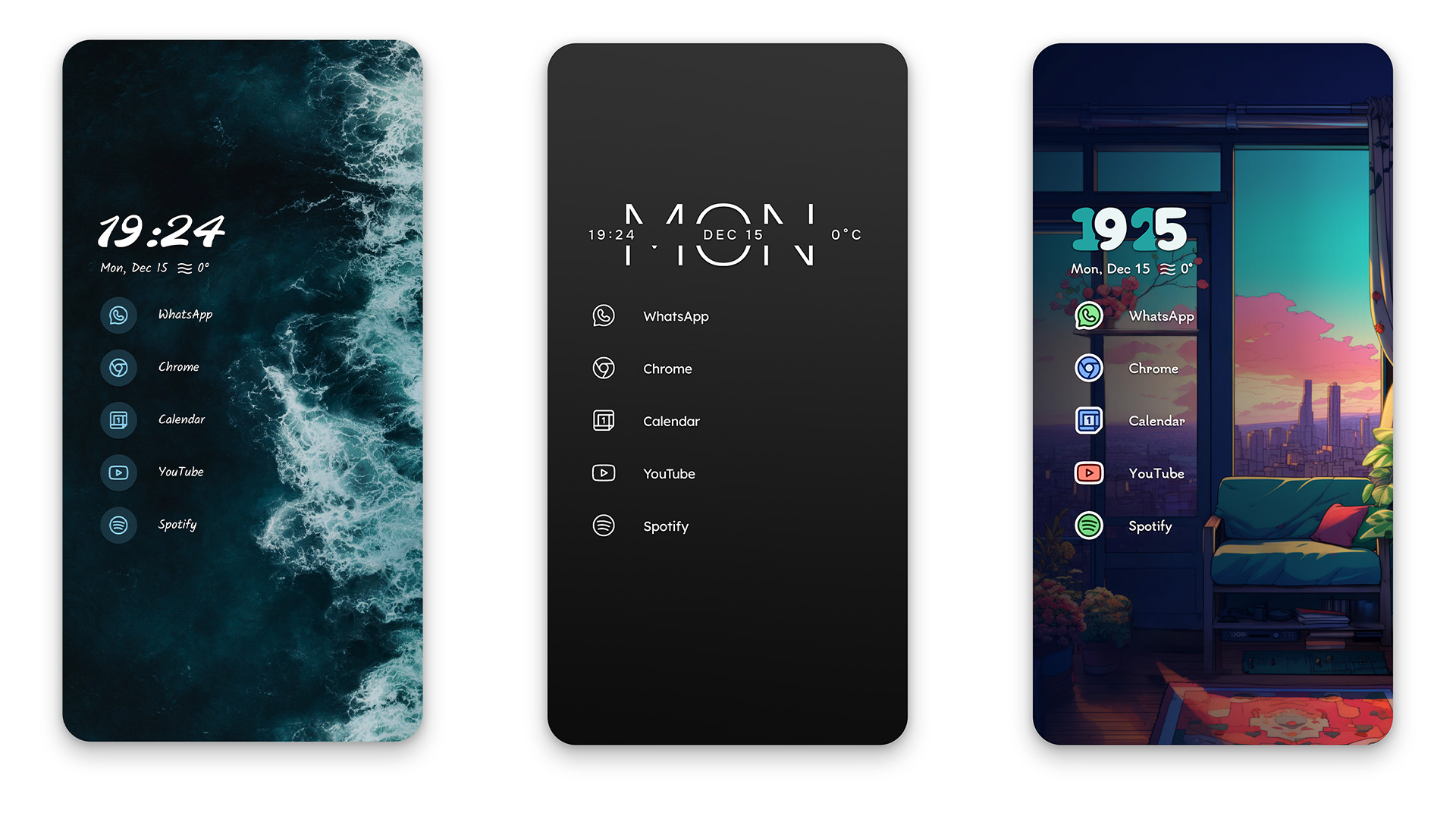
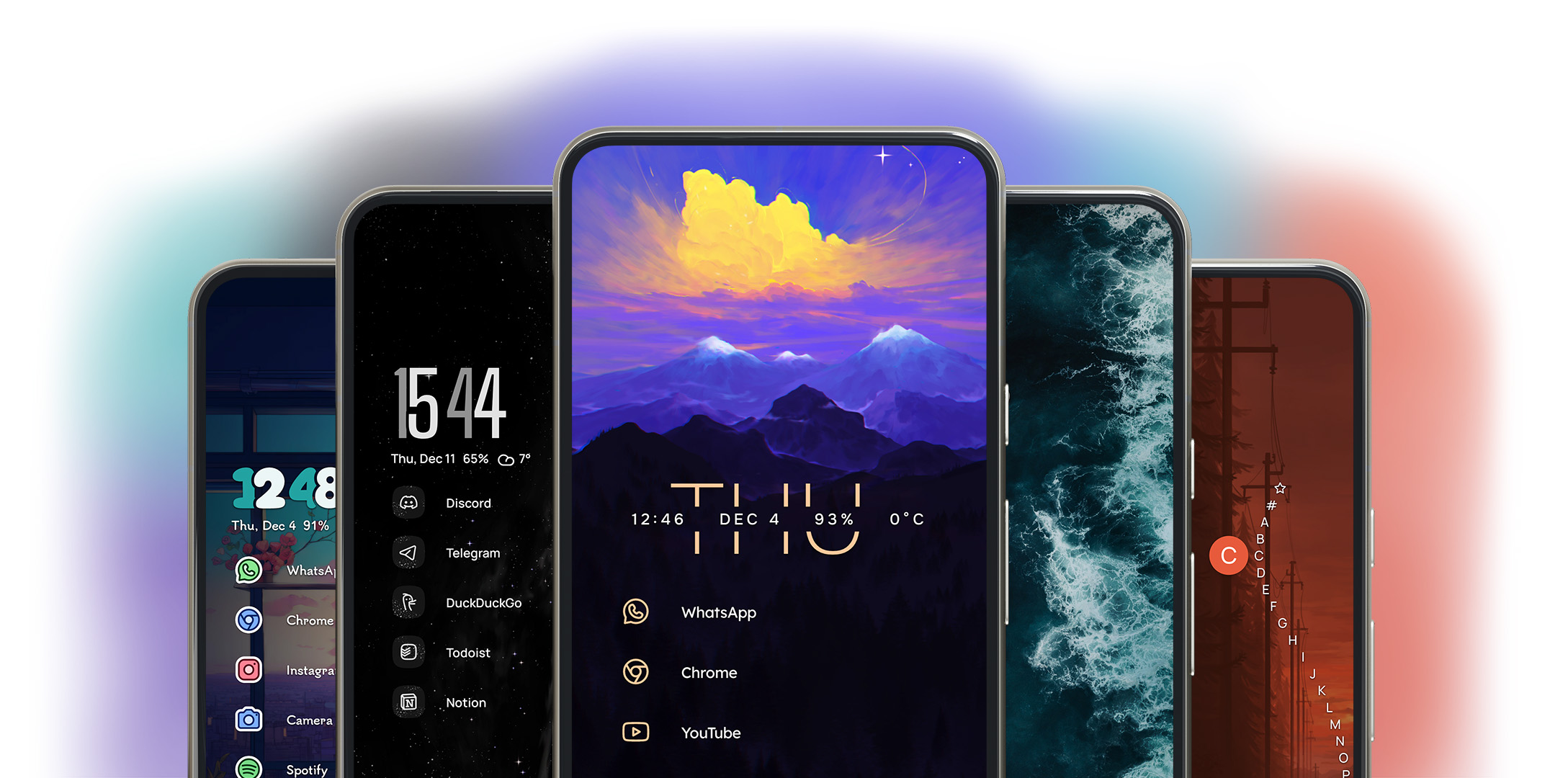
Discover a curated list of hand-crafted themes ranging from nature-inspired to minimalist to cozy. Each one applies with a single tap. Learn More
Anycons
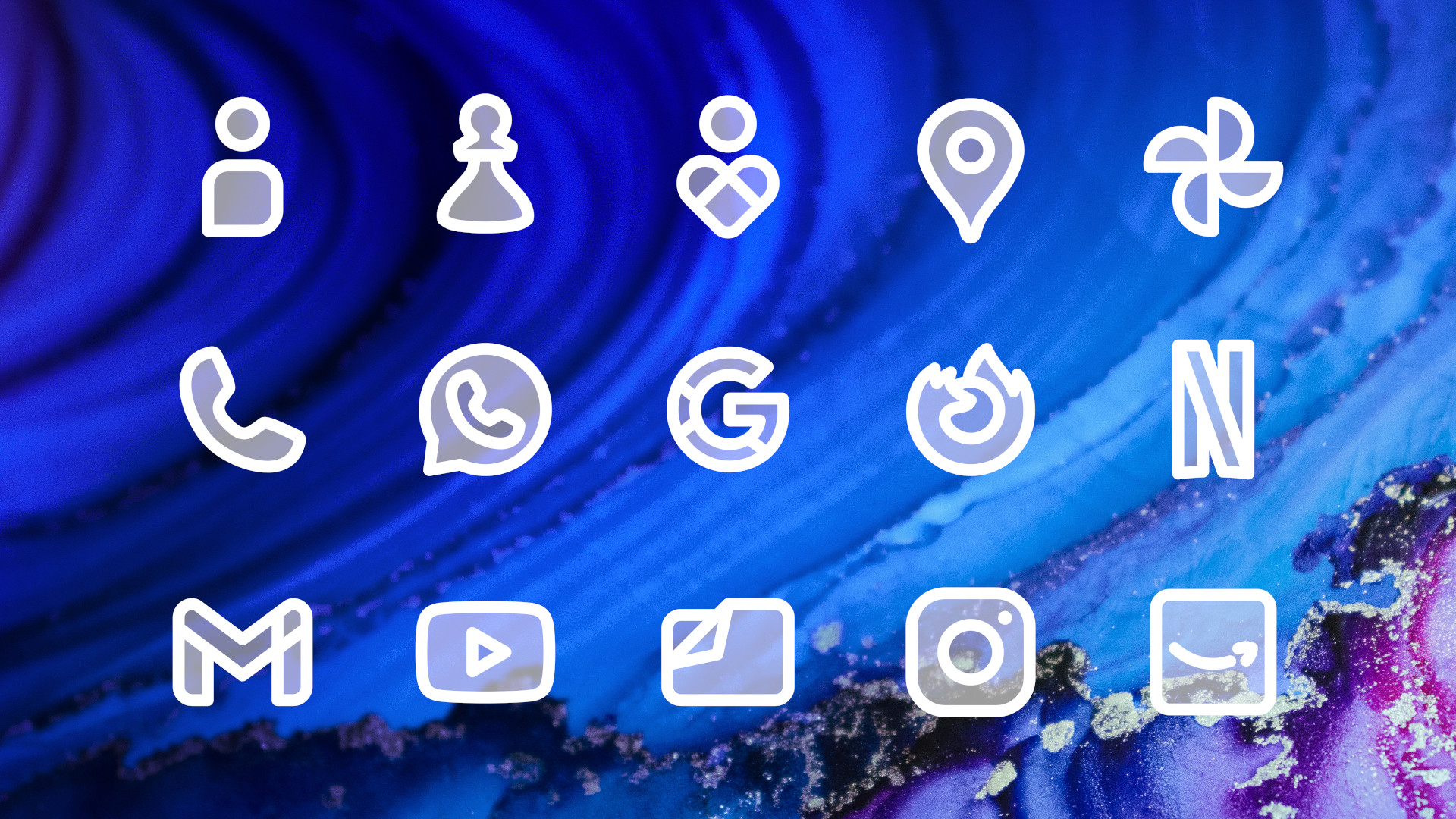
An ever-growing family of icon packs built into Niagara Pro. Each pack supports all apps, powered by our machine-learning categorization algorithm. Learn More
Usage Breaker
Niagara Launcher’s approach to app timers. Select apps you often spend more time on than you’d like and get gentle reminders when you use them for extended periods. Learn More
Calendar and Weather Widgets
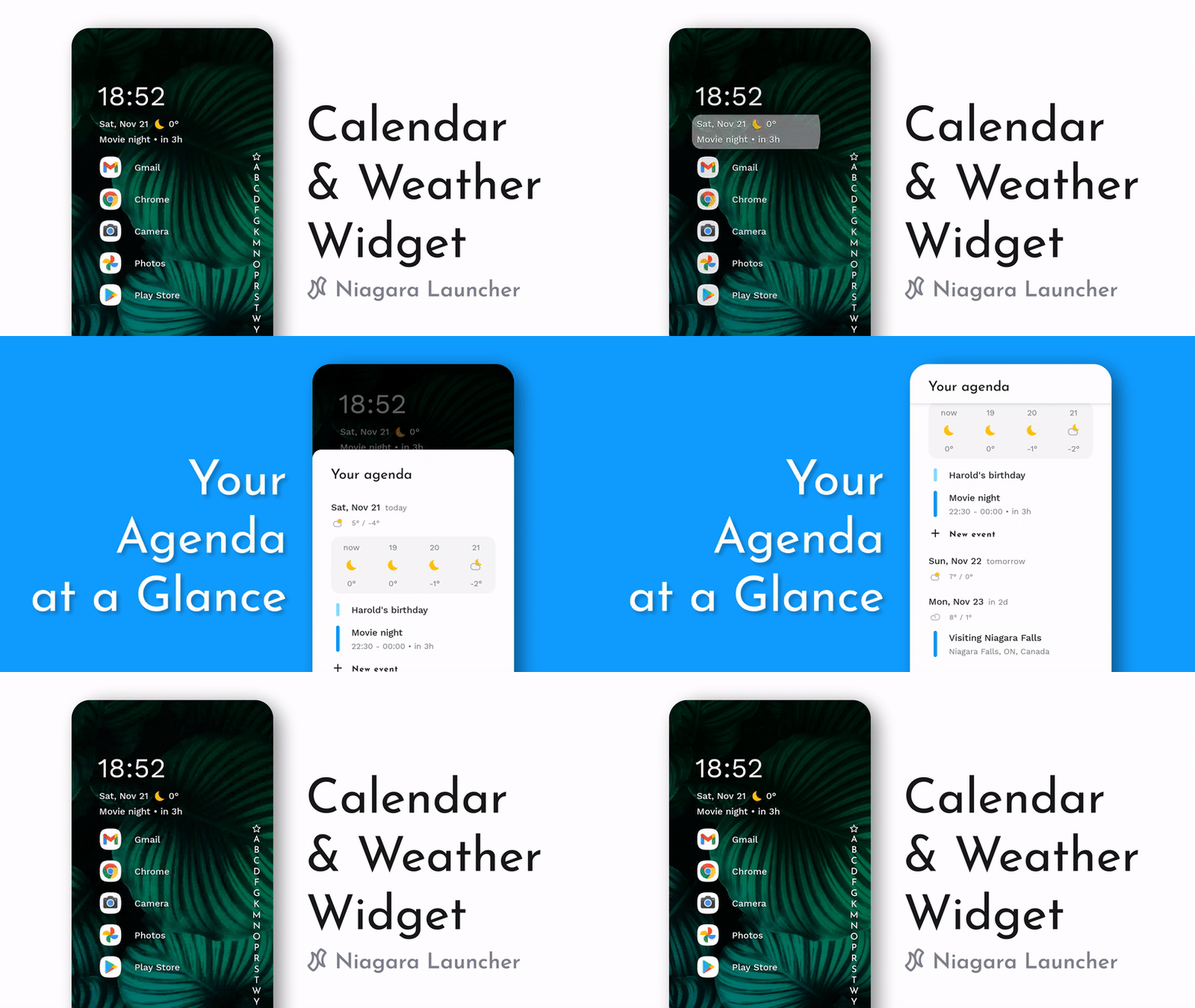
See your schedule and the forecast right on the home screen, with Niagara Launcher’s calendar agenda and weather widget.
Widget Stacks
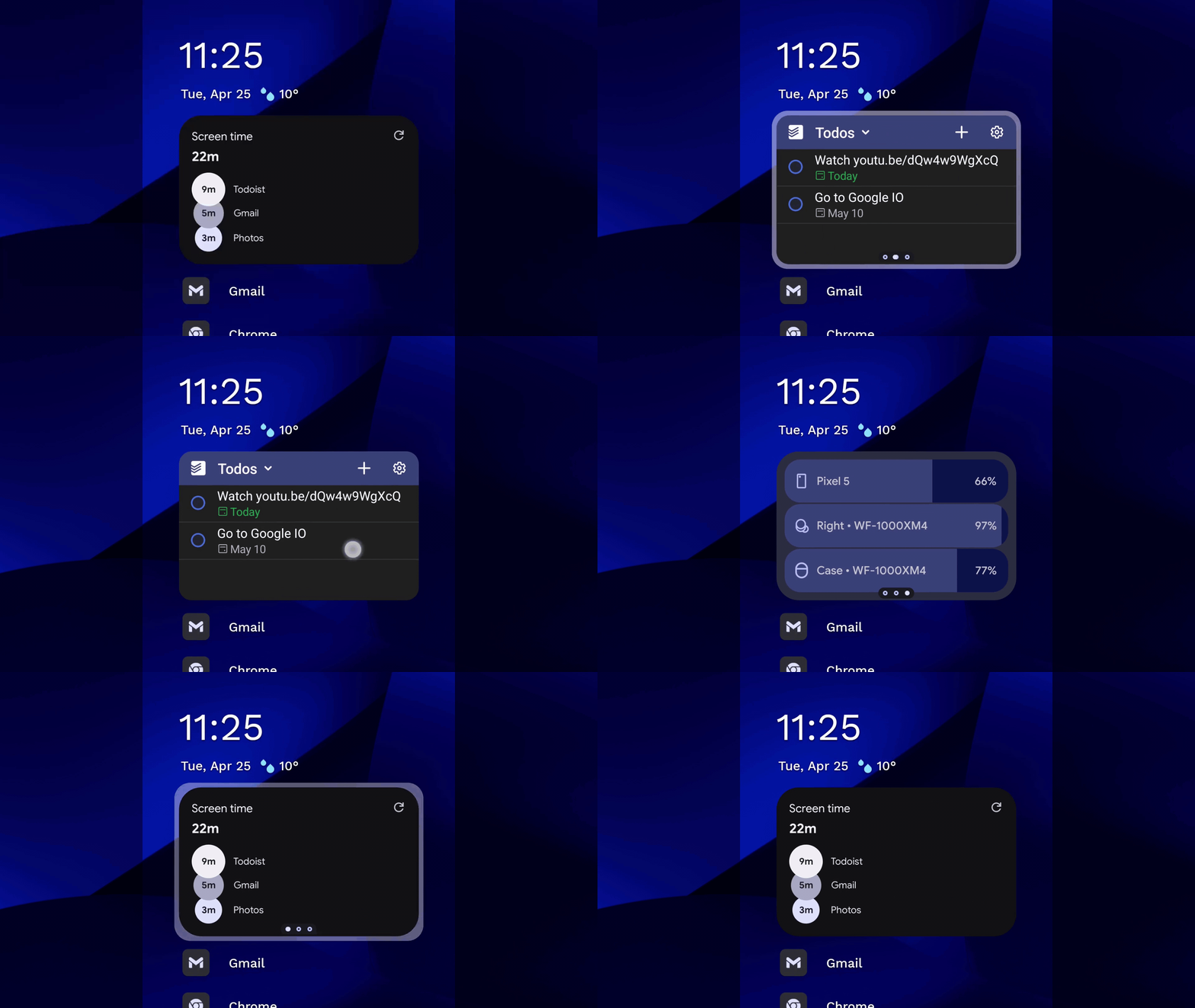
Add multiple widgets to your home screen with widget stacks. If you don’t want to clutter your home screen with widgets, tuck the stacks into pop-ups and pop-up folders, so your widgets are only one swipe away. Learn More
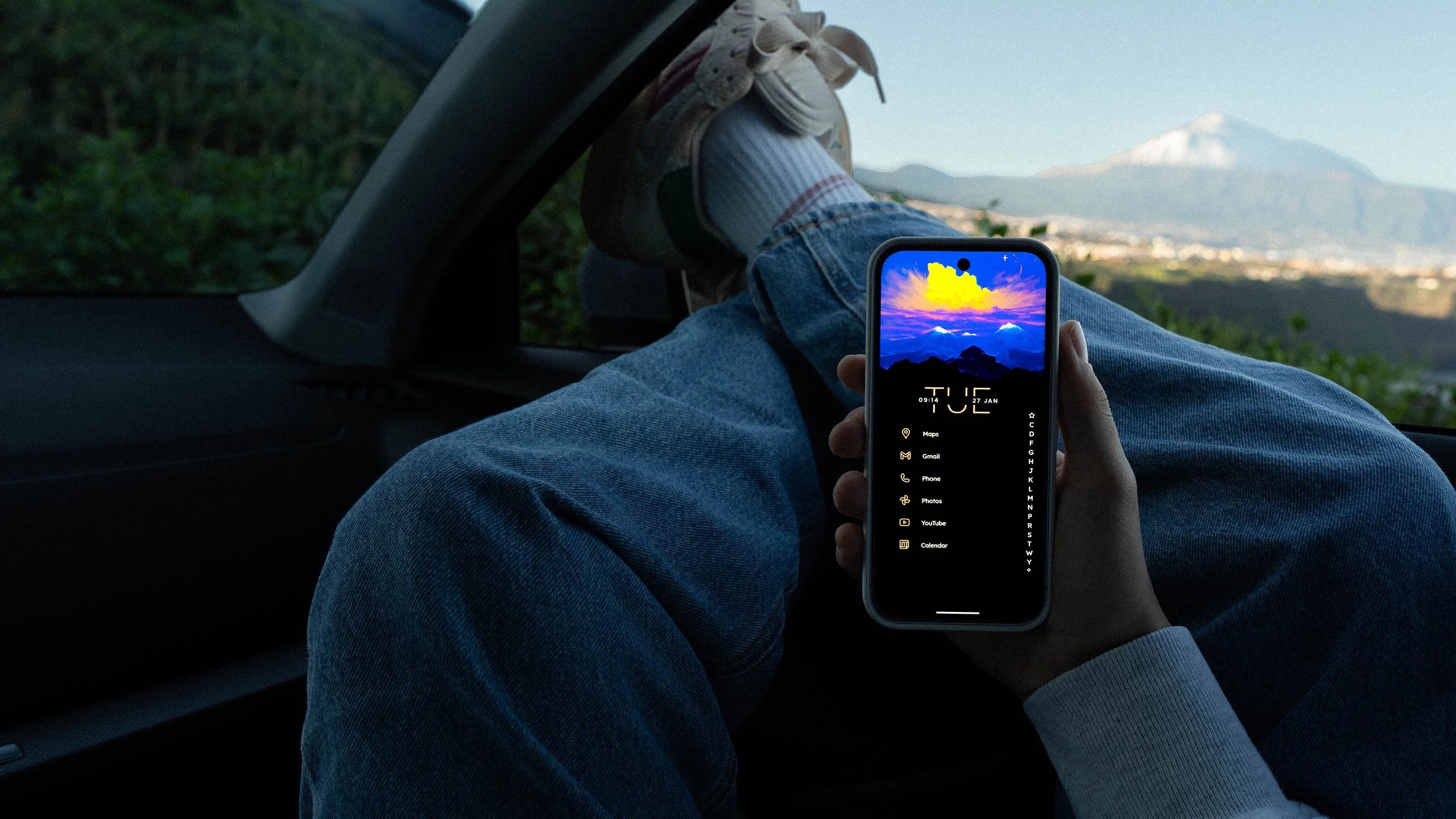
Pop-ups
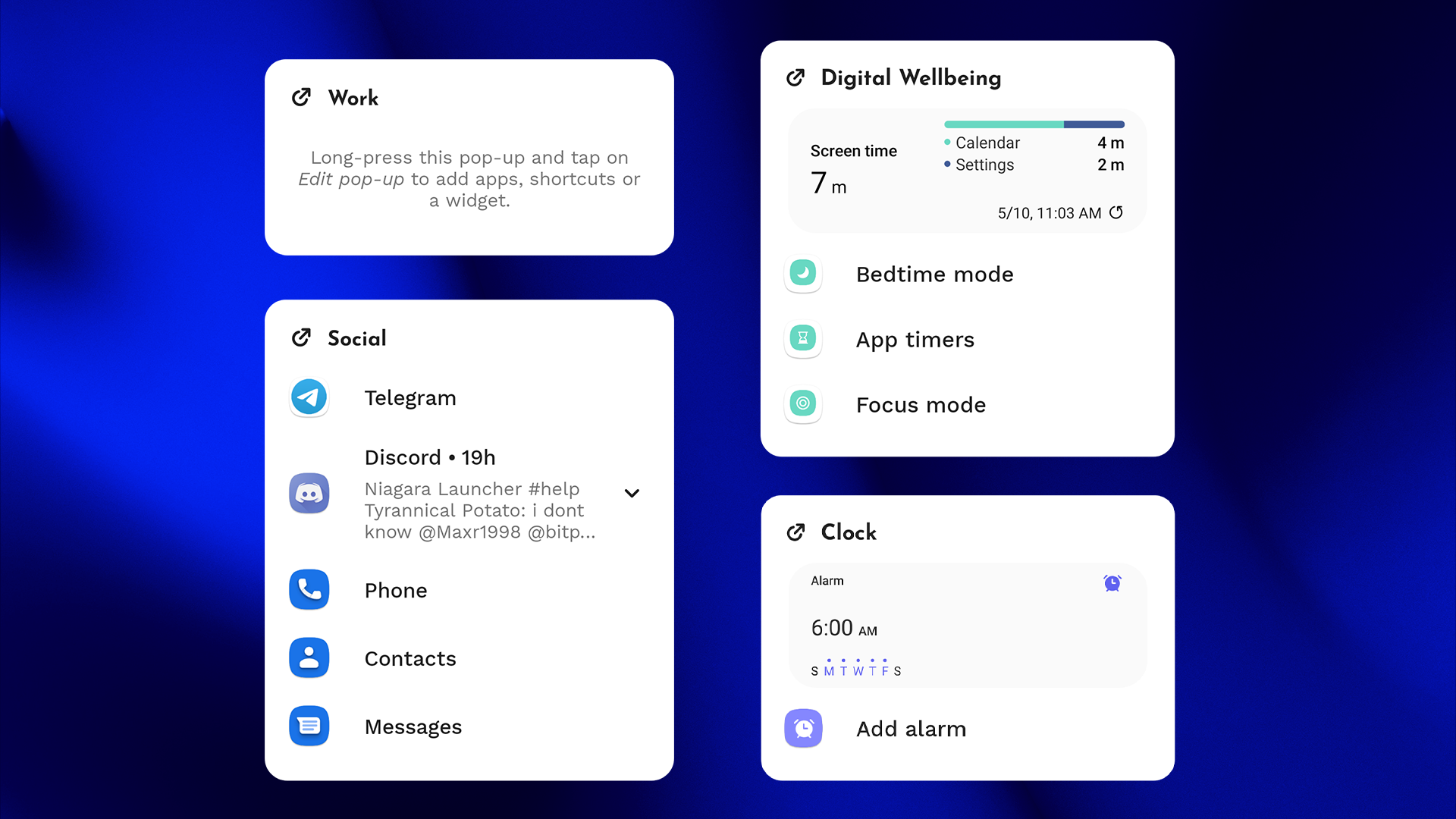
Pop-ups are a more versatile version of folders that help you organize and tidy up your home screen. They can contain apps, shortcuts, notifications, and even widgets.
What Niagara Pro adds to pop-ups:
- Pop-up widgets: Timely information while your home screen stays clean.
- App list pop-ups: Add folder pop-ups to the app list to organize all your apps.
- App pop-ups: Swipe right on an app to reach related apps, shortcuts, or widgets.
Niagara Dots
Don’t get distracted by flashy app icons. This minimal icon pack replaces every one of them with a dot, and it supports every app. Learn More
Icon Assistant
Here’s how Icon Assistant helps you with icon packs:
- Auto-restore: Saves and restores icons you set individually when you switch icon packs.
- Quick-edit: Helps you change individual icons with suggestions.
- Auto-replace: Finds alternative icons for apps your icon pack doesn’t cover.
Custom Fonts
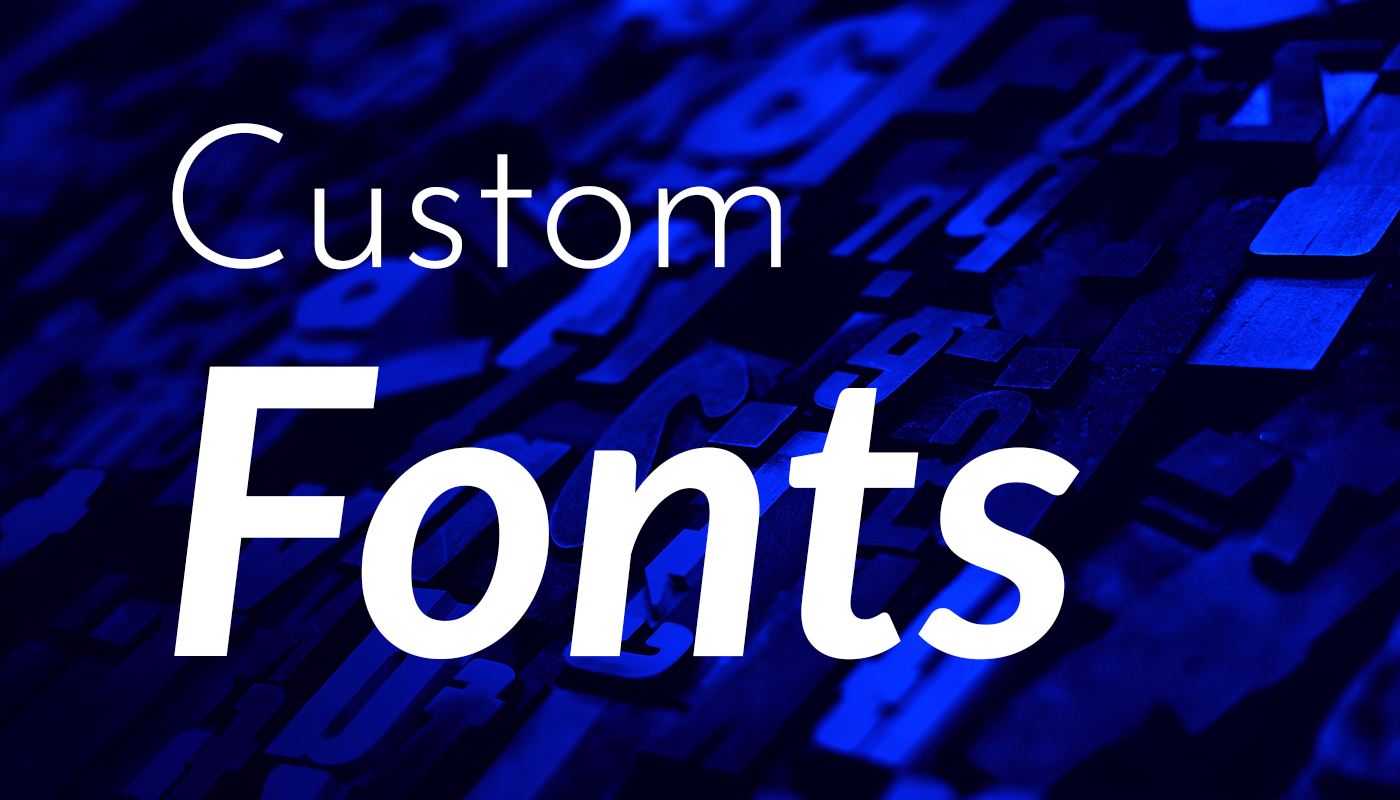
Unlike grid-based launchers, Niagara Launcher makes text a central part of its design, so it only makes sense to let you customize how that text looks. Learn More
Custom Clock
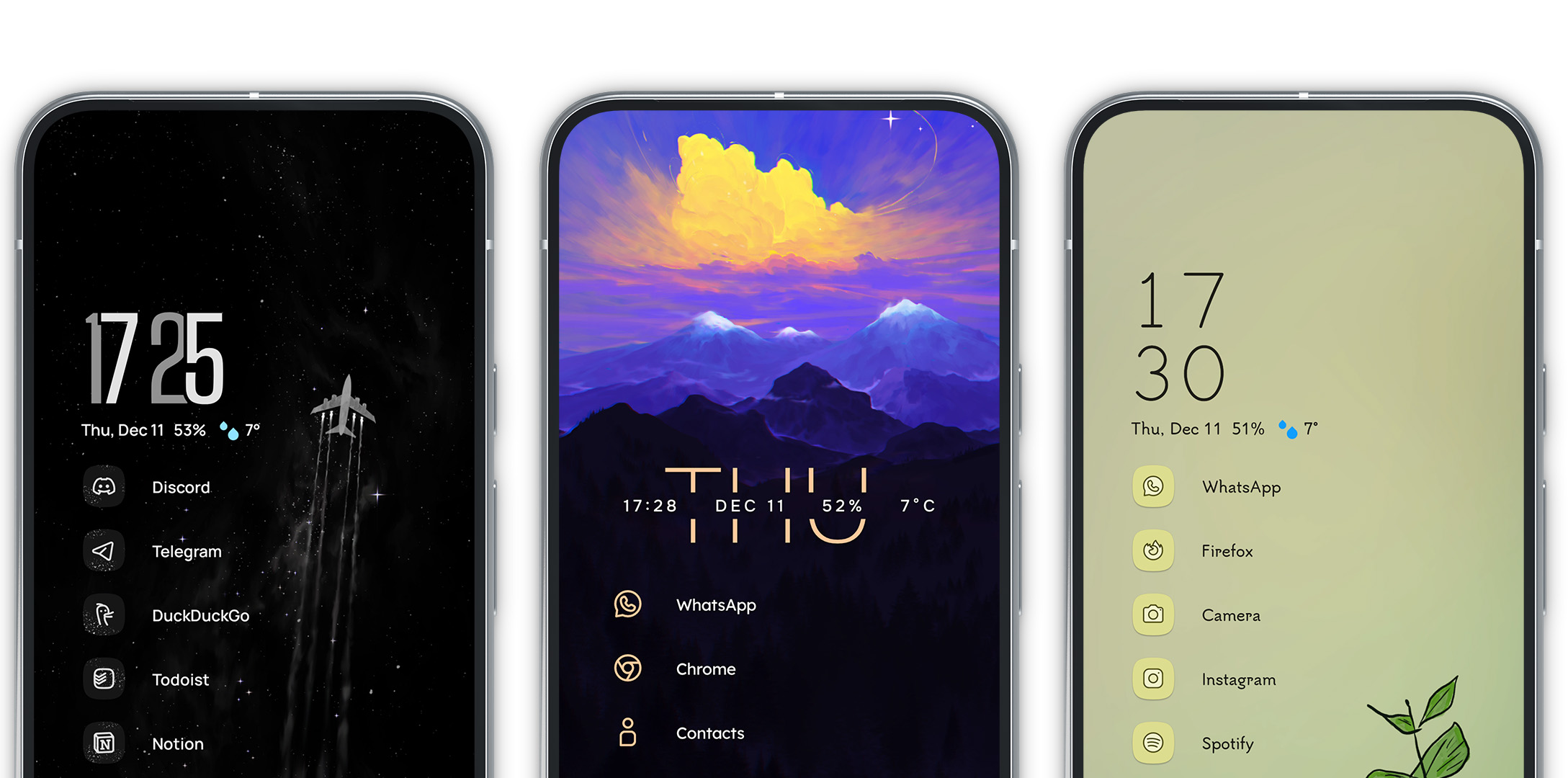
The clock is one of the most prominent elements on Niagara Launcher’s home screen, so you can customize it to better suit your setup. Learn More
Double Tap to Sleep

Double-tap the alphabet to turn off the screen. Learn More
Hide the Status Bar
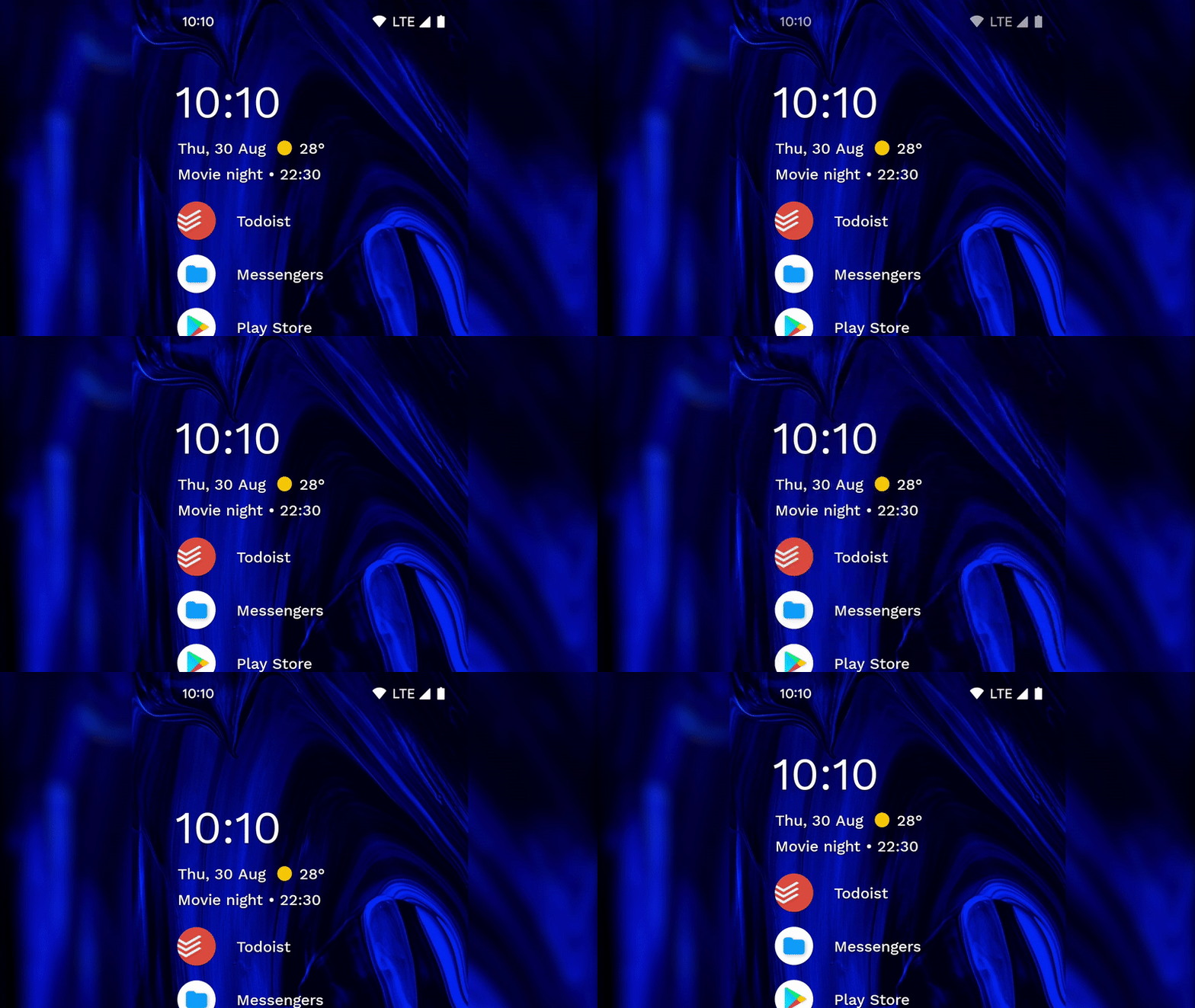
Remove the status bar from your home screen for an even cleaner, distraction-free look. Learn More
Music Apps
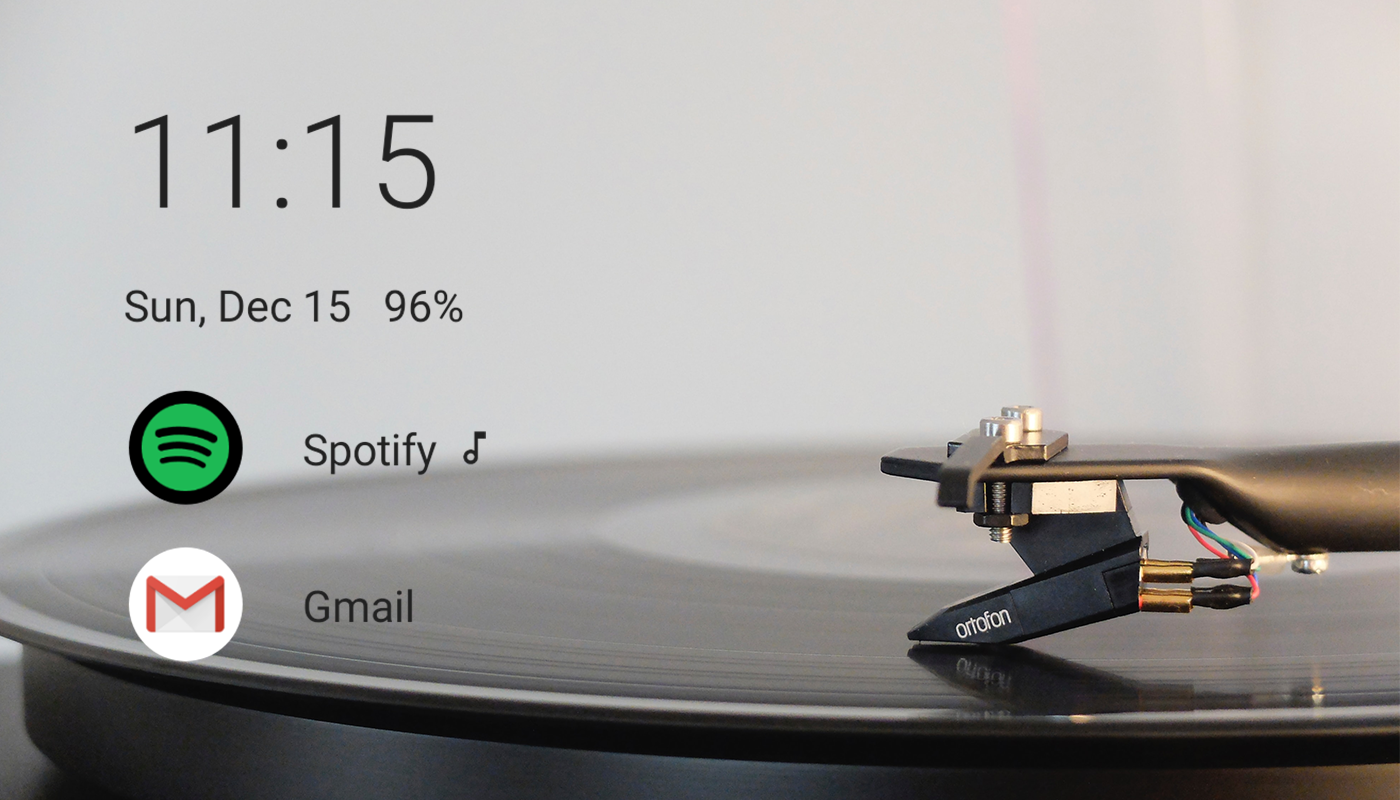
Your music apps appear when you connect headphones or a speaker. Learn More
What Else
That’s not all. We’re constantly working on new features, free and in Niagara Pro. If you want to know why Niagara Pro exists in the first place, read this article.