How to Theme Your Android Home Screen

From ready made themes to icon packs, fonts, and colors: a practical guide to making your Android home screen look the way you want.

Written by the Niagara team
May 8, 2026
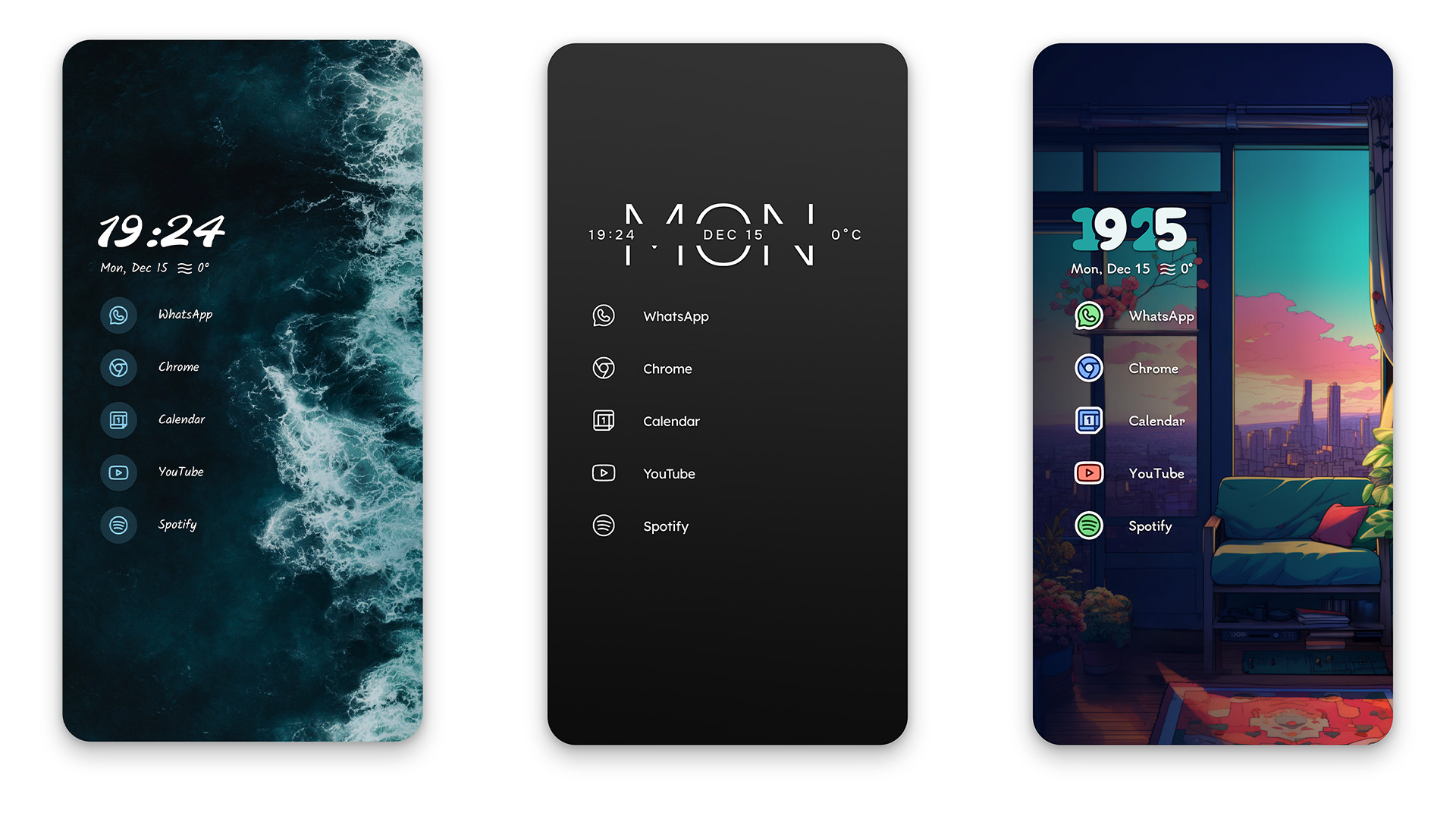
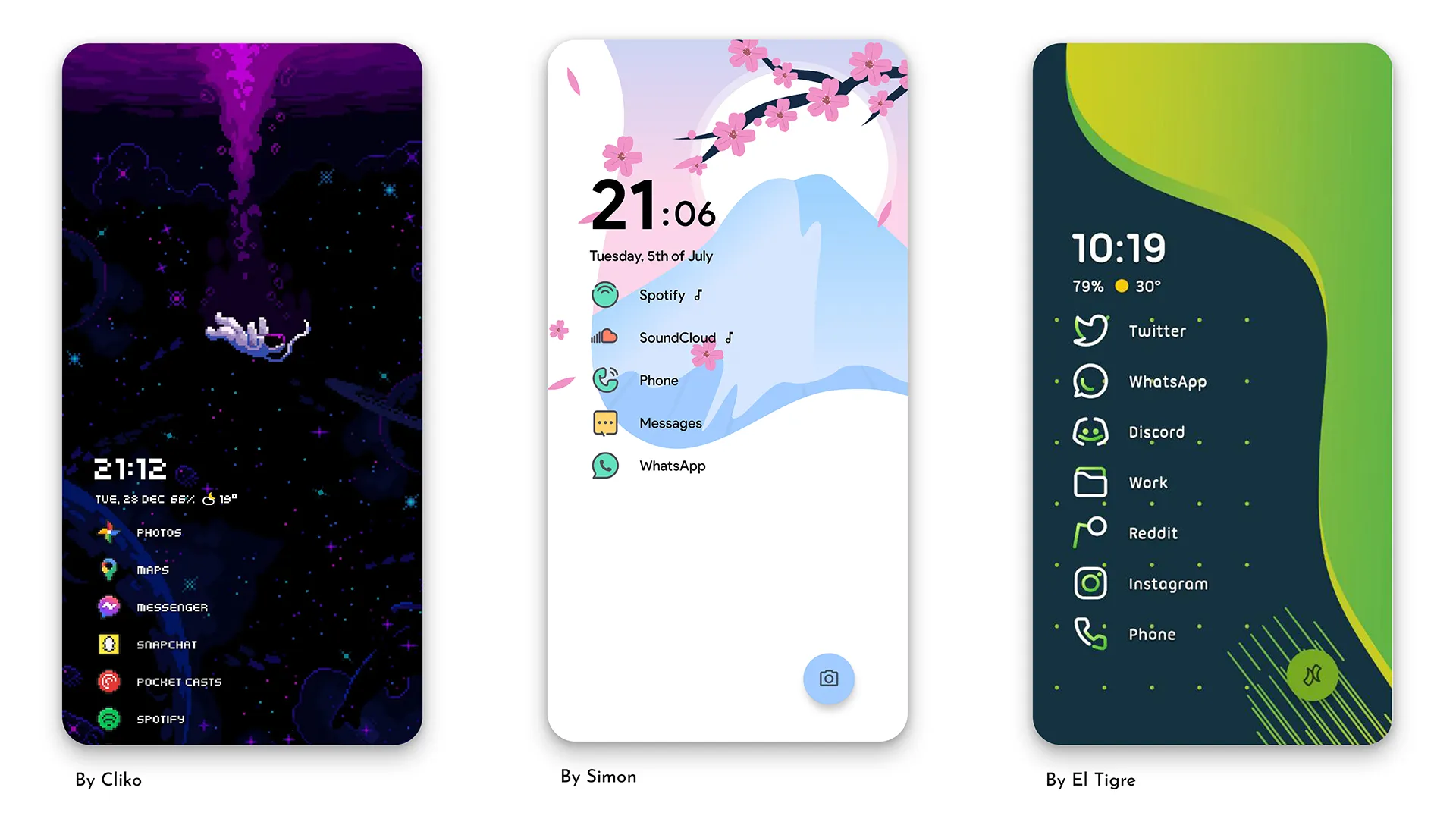
Three community home screen setups made with Niagara Launcher

You do not need a new phone to get a fresh phone. On Android, your home screen is fully yours to change: wallpaper, icons, fonts, colors, all of it. Here is how to theme your Android home screen, step by step, using Niagara Launcher.

Start with a theme, not with settings

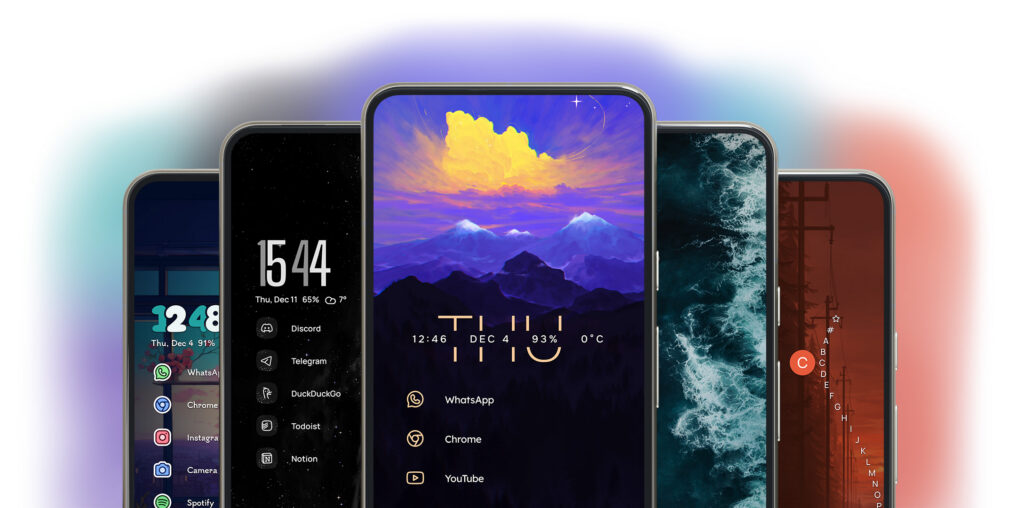
Ready made themes in Niagara Launcher, from nature inspired to minimalist
Ready made themes, applied with a single tap.

The fastest way to a new look is not fiddling with twenty settings. It is applying a complete theme and adjusting from there. Niagara Launcher ships with a curated collection of ready made themes, three of them free and over eighteen more in Niagara Pro, ranging from nature inspired to minimalist to cozy. You will find them under Niagara settings > Themes, and every theme stays fully customizable after you apply it.

Each theme changes wallpaper, icons, font, and colors together, so the result looks coherent instead of patched together. Learn more about themes

Steal ideas from the community

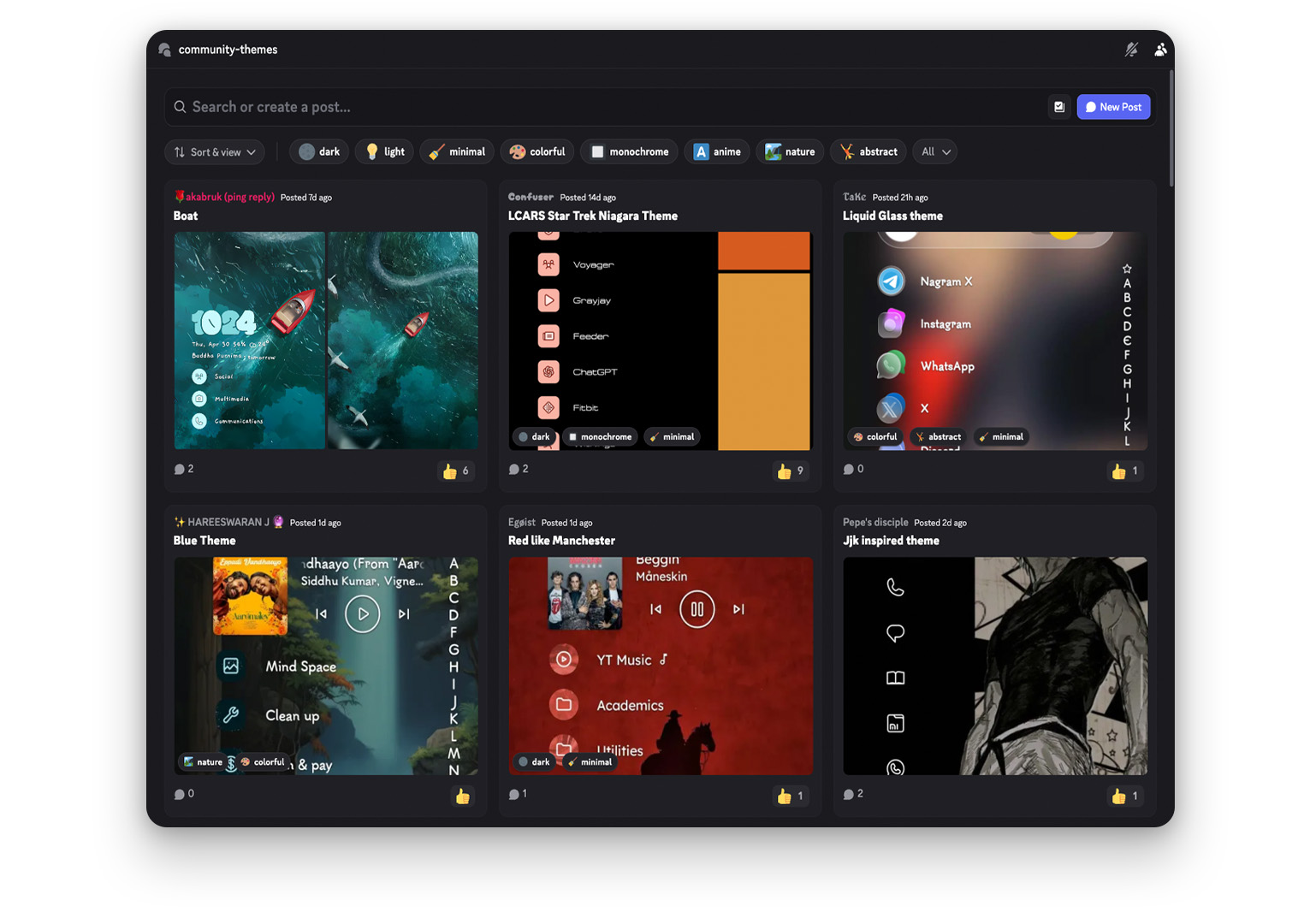
Community themes shared in the Niagara Launcher Discord
Hundreds of community themes, shared as files you can open directly.

You do not have to design anything yourself. The Niagara community shares hundreds of complete themes as small files that open directly in the launcher: download, tap, done. Browsing them is also the best way to see what is possible before you build your own. Learn more about theme sharing

See it on your own phone

Niagara is free, sets up in a minute, and switches back just as fast if it’s not for you.

Icons change the vibe faster than anything else

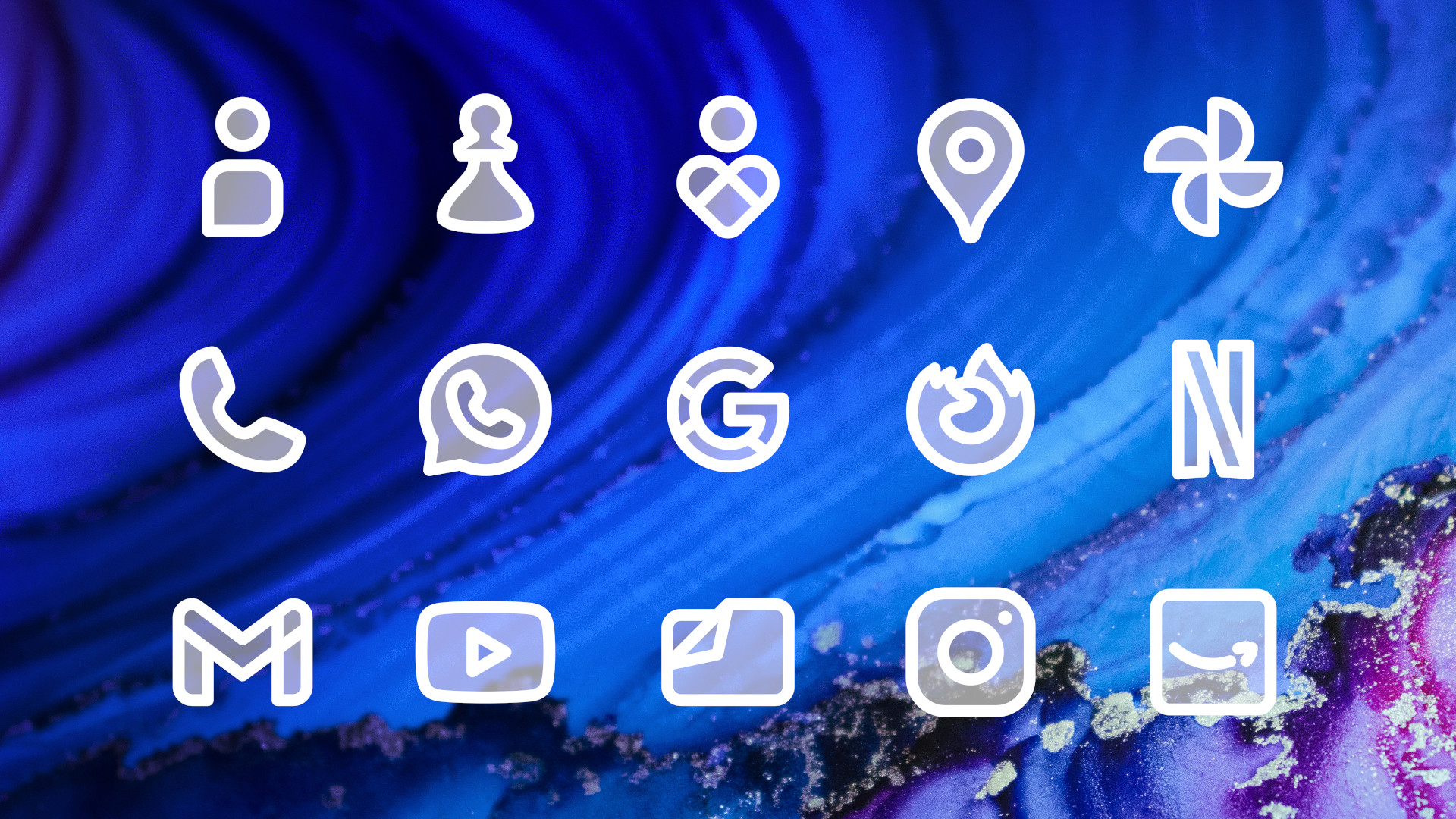
Anycons icon packs with one consistent design language for every app
Anycons: one design language for every single app.

Swapping icons transforms a home screen more than any other single change. The catch with classic icon packs: they cover the popular apps and leave the rest untouched, so your screen ends up half themed. That is why we built Anycons, an icon pack family that comes with Niagara Pro. A categorization algorithm assigns a fitting icon to every app on your phone, including the obscure ones, so the look stays consistent everywhere. Learn more about Anycons

Prefer classic icon packs from the Play Store? Those work too, and the Icon Assistant helps you fill the gaps they leave. Learn more about Icon Assistant

Fonts and colors do the rest

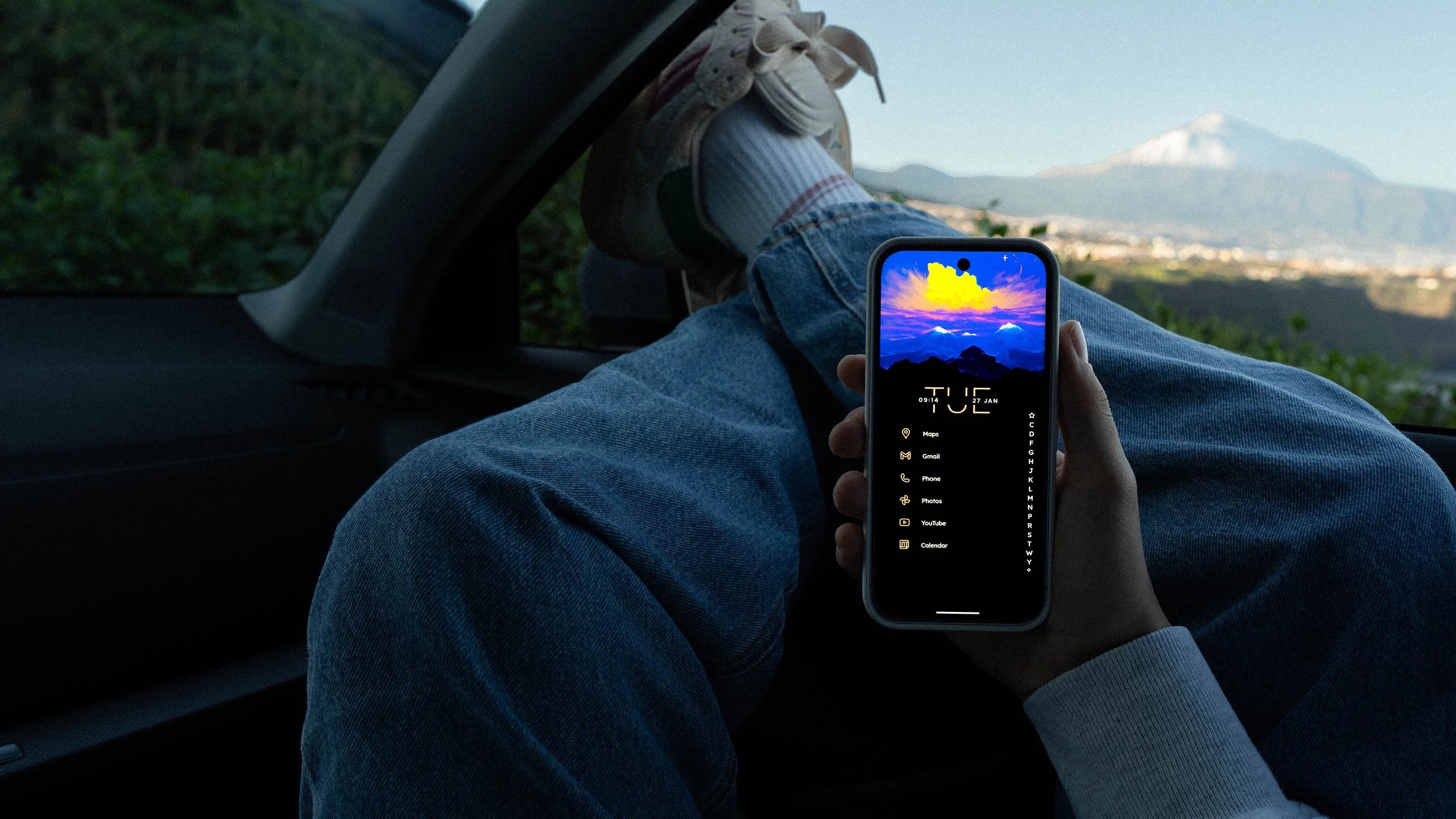
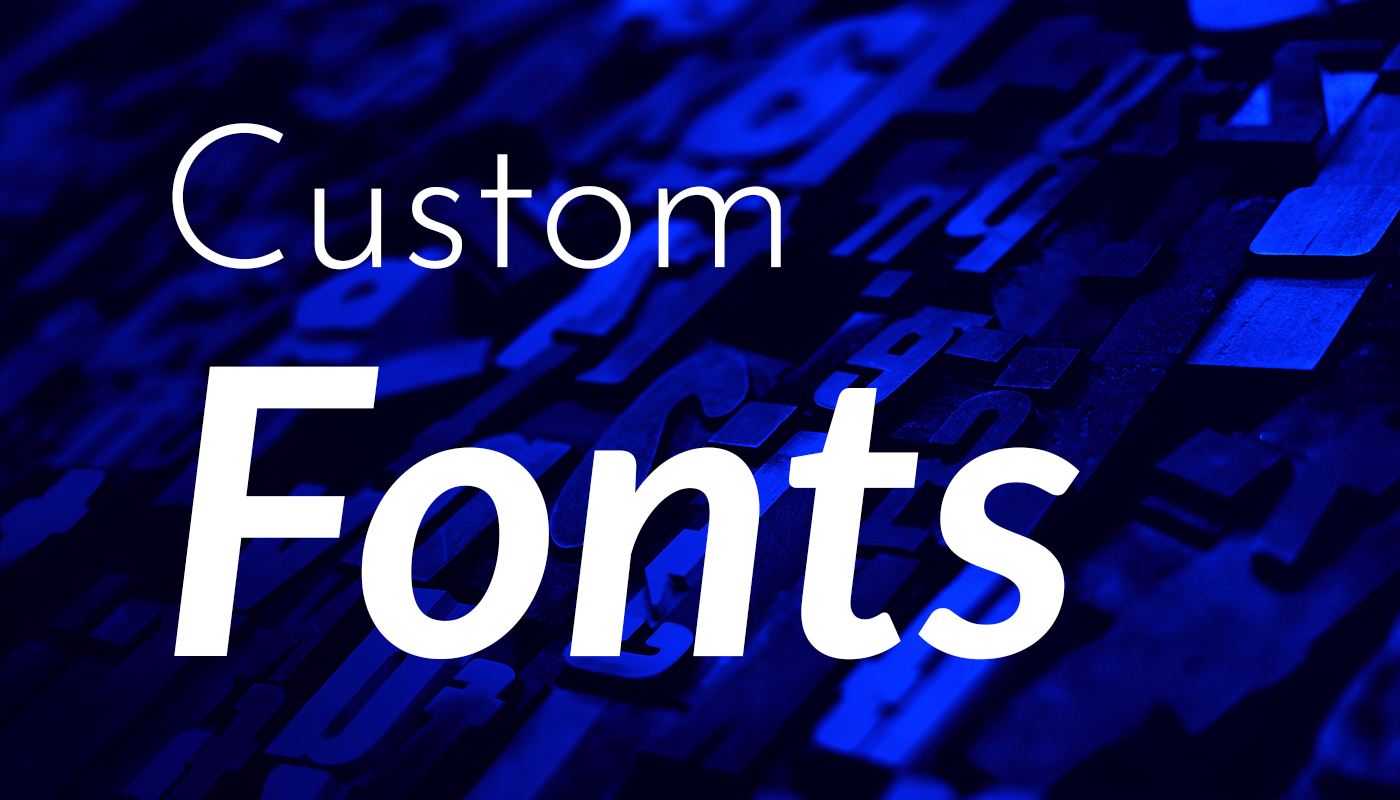
Custom fonts changing the look of the Niagara Launcher home screen
Text is a big part of a list based home screen, so the font matters.

Because Niagara Launcher shows your apps as a clean list, text plays a bigger visual role than on a grid launcher. You can load any font you like, for example from Google Fonts, and apply it under Settings > Look > Font. Learn more about custom fonts

Colors come almost for free: Niagara picks its accent colors from your wallpaper, supports Material You, and even brings dynamic colors to older Android versions. If you want a specific shade instead, set it under Settings > Look > Theme color. Learn more about the color system

A five minute recipe

  1. Apply a ready made or community theme that is close to what you want.
  2. Swap the wallpaper for one you love. Everything else adapts to it.
  3. Pick an icon pack, or let Anycons theme every app at once.
  4. Choose a font that matches the mood.
  5. Fine tune the accent color if the automatic one is not quite right.

Frequently asked questions

Can I theme my Android home screen for free?+
Yes. Niagara Launcher is free, includes three free themes, and works with any icon pack from the Play Store. Niagara Pro adds the full theme collection, Anycons, and custom fonts.
Do I need to root my phone to change my home screen?+
No. A launcher installs like any normal app, and you can switch back to your old home screen anytime in two taps.
What makes Anycons different from normal icon packs?+
Normal icon packs only cover popular apps. Anycons uses a categorization algorithm to give every app on your phone a fitting icon, so no app is left unthemed.
Can I share my own theme with others?+
Yes. Niagara Launcher exports your setup as a small theme file that others can open directly, and the community shares hundreds of them.
The Niagara team
Mellowdrop Studio, Augsburg

We’re a self-funded indie studio based in Augsburg, Germany – passionate about making Niagara Launcher better with every update.

Keep Reading

Niagara Pro features

Everything you unlock with Niagara Pro — themes, widgets, pop-ups, icon packs, and the small touches that make your home screen truly yours.

Mellowdrop Studio

Mellowdrop is the indie studio behind Niagara Launcher. How a basement project from 2016 became a team of eight, and why we still fund ourselves.

Download Your New Phone

Give your home screen a calmer default. Niagara is free on the Play Store and takes a minute to set up.